
Compress Videos on iPhone and Free Up Storage
Videos are usually the biggest files in your library. ByePhotos lists them by size and shrinks them with efficient HEVC encoding, so you get space back without giving up your memories.


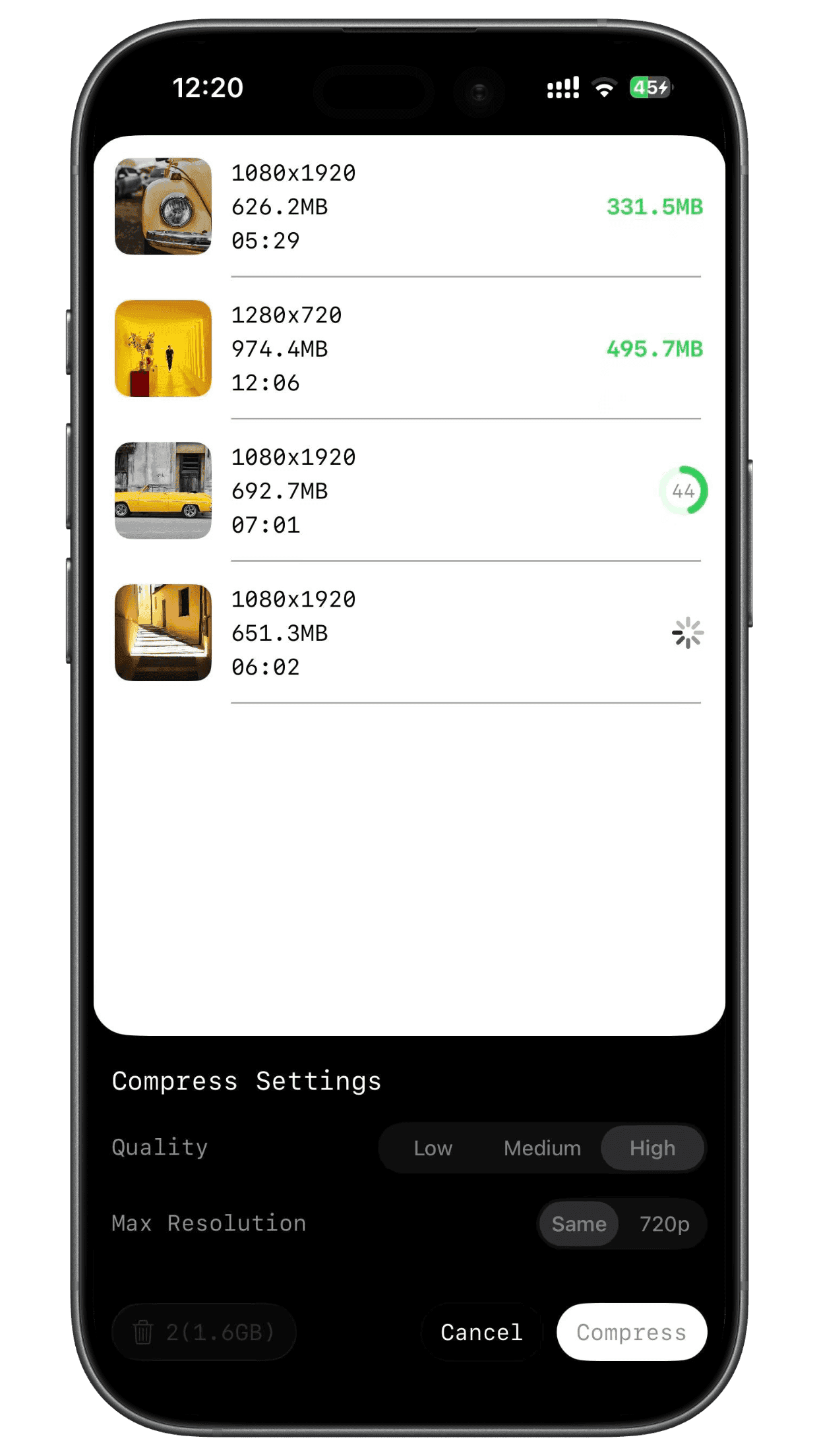
How It Works
- 1
Find the big ones
Sort your videos from largest to smallest and start where it matters most.
- 2
Choose your settings
Pick a quality level and a resolution, and see the estimated file size before you start.
- 3
Compress in batches
Select several videos and compress them in one go. Just keep ByePhotos open until it finishes.
Save Space, Keep the Quality
Quality and resolution control
Three quality levels, and a choice of original, 2K, 1080p or 720p resolution.
Speed up to shrink
Export a video at 1.5×, 2×, 3× or 4× speed. A shorter video is a smaller file — handy for long recordings you only need to skim.
Stays in your albums
Compressed videos are added to the same albums as the originals, so your library stays organized.
Private by design
Compression runs entirely on your device. Your videos are never uploaded.
Video Compression FAQ
Get Your Storage Back
Free to download. Try it on your own videos.