
Find and Delete Similar Photos on iPhone
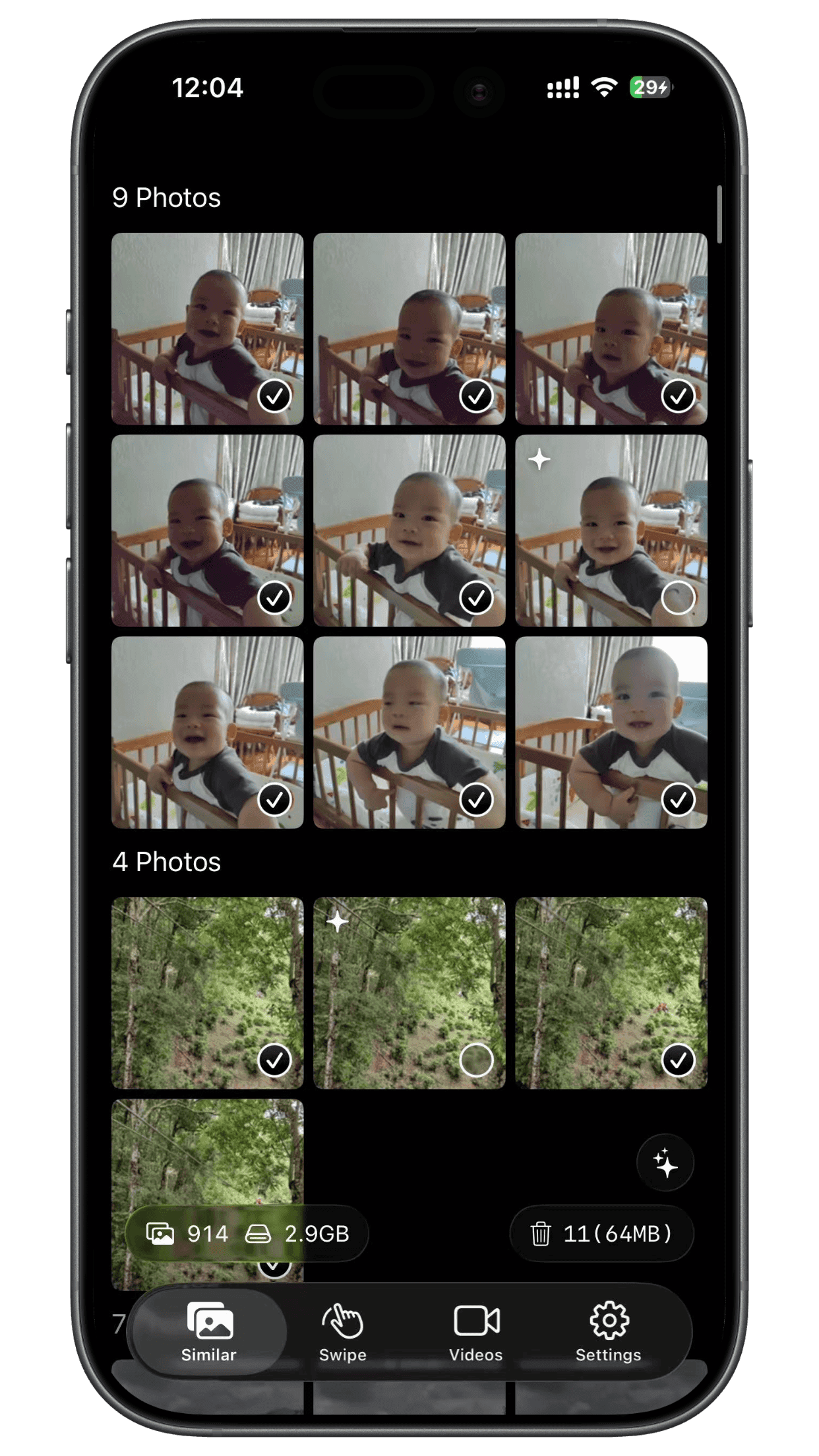
Burst shots, retakes and near-identical pictures quietly eat up your storage. ByePhotos groups them together, suggests which ones you don't need, and lets you clear them in one tap — entirely on your device.

How It Works
- 1
Scan your library
ByePhotos analyzes your photos on-device and groups the ones that look alike. New photos are picked up automatically.
- 2
Review each group
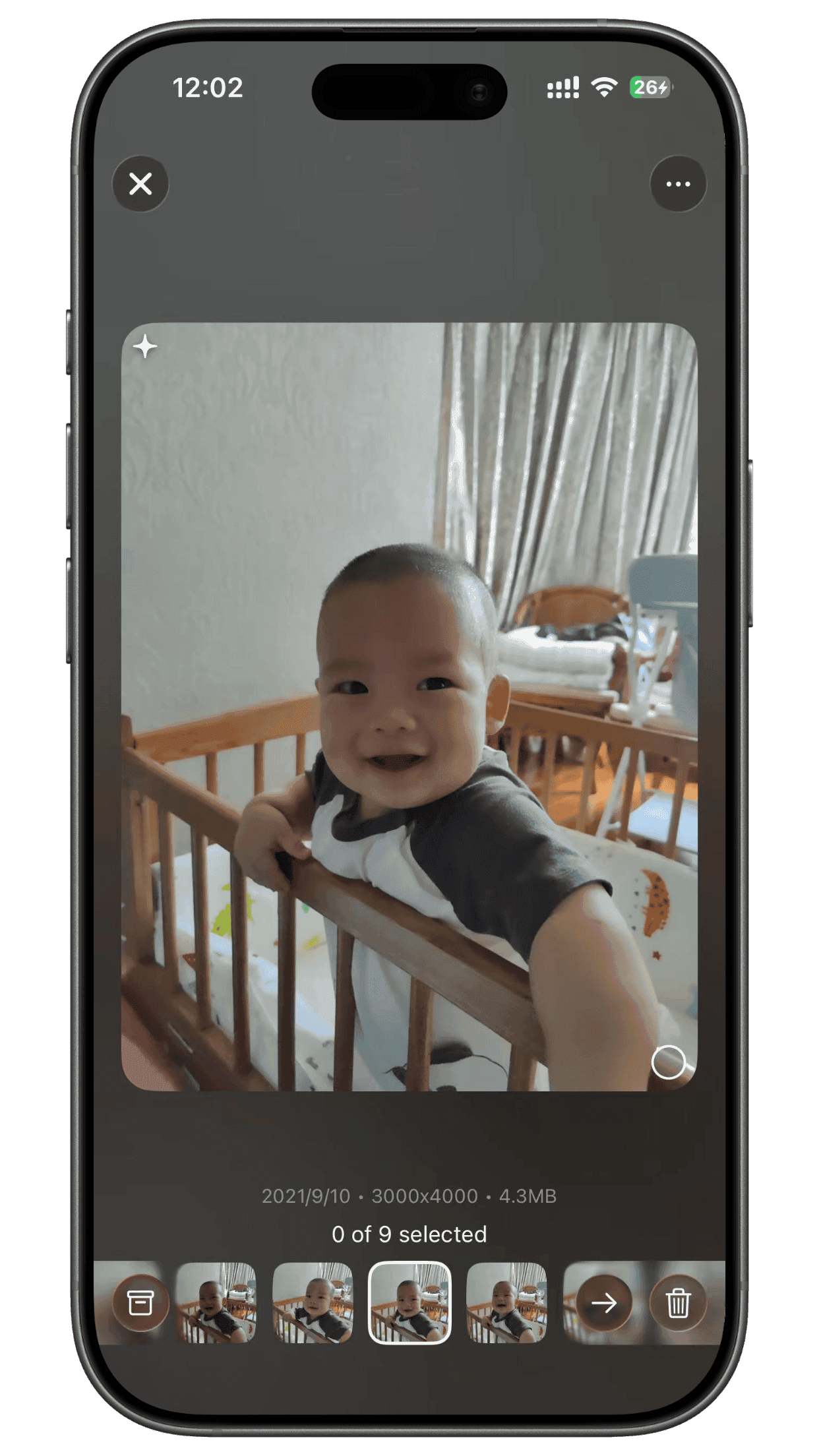
Compare similar shots, zoom in on the details, and choose the ones worth keeping.
- 3
Delete the rest
Remove the selected photos in one tap. They go to Recently Deleted in the Photos app, so nothing is lost by accident.
Built for Fast, Careful Cleanup
AI-suggested deletions
On iOS 18 or later, ByePhotos scores the photos in each group and automatically selects the ones you likely don't need.
Side-by-side comparison
Use Side-by-Side Mode to compare similar shots and spot the best one.
Keep what matters
Mark photos as Kept and they won't show up for cleanup again. You can review your kept photos at any time.
Private by design
Photo analysis runs entirely on your device. Your photos are never uploaded.
Similar Photos FAQ
Clear Out Similar Photos Today
Free to download. Try it on your own photo library.